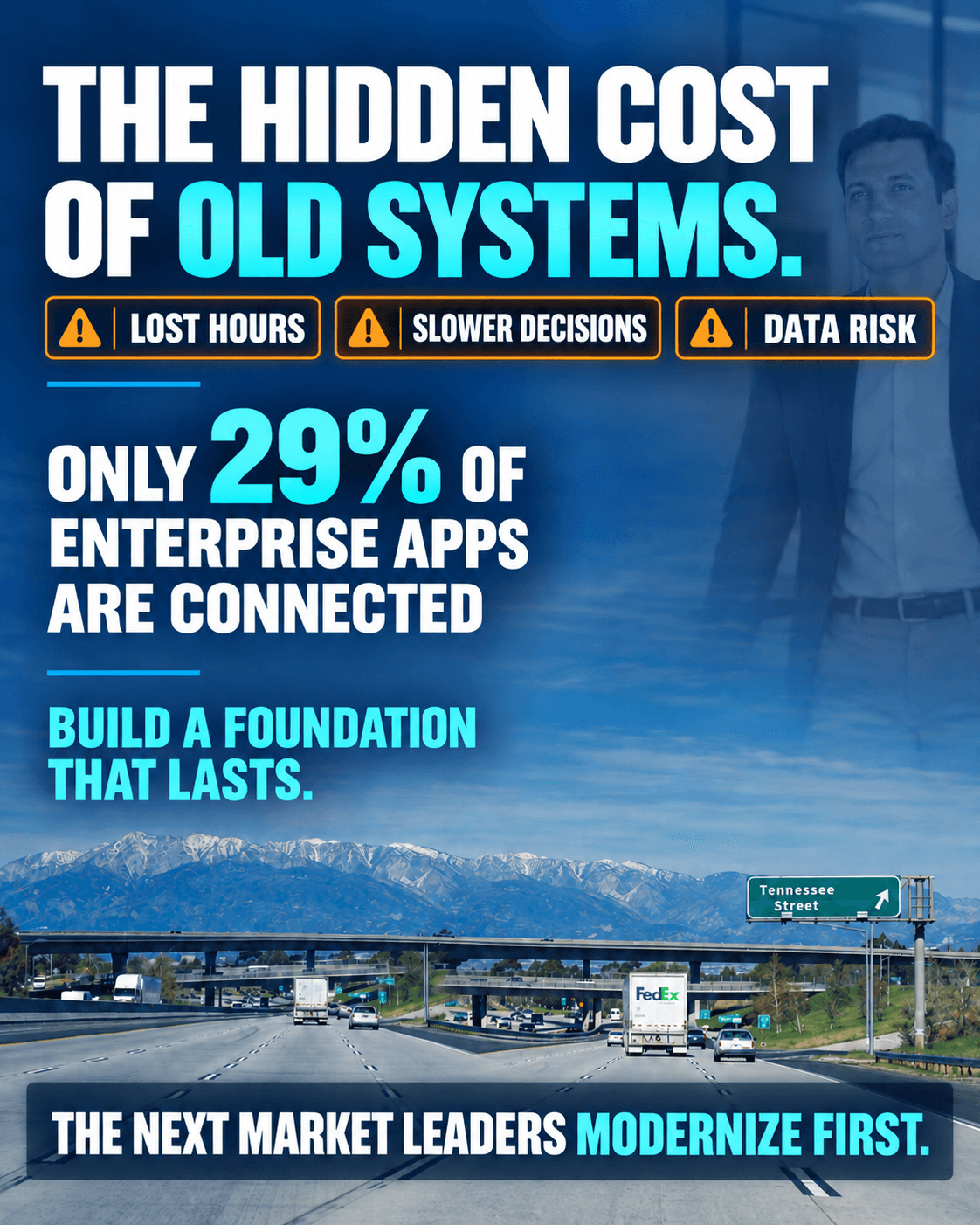
The most expensive system in a business is often the one everyone says "still works." It does not crash. It never appears on the IT budget. It taxes every order, invoice, and decision that depends on knowing where things stand.
A system that costs nothing to keep and something to use is not cheap. It is financed, and the payments come out of your team's week.
Why does a system that "still works" cost so much?
The cost moves out of the software and into people. Staff absorb the gaps with manual steps, private spreadsheets, and memory, which consumes time, delays decisions, and hides errors.
| The workaround | What it actually costs |
|---|---|
| Customer records spread across Excel files | Three versions of the truth, and hours of reconciliation every week |
| Orders entered twice, to take and to ship | Transcription errors found after the invoice went out |
| Legacy database access no one has reviewed | Standing exposure that grows with each role change, plus accounts of people who left |
| Month-end reports assembled by hand | Leaders deciding on numbers two weeks old |
| One employee who knows every workaround | The knowledge needed to keep things running leaves when they do |
What do the numbers say about disconnected systems?
Most software an enterprise has already paid for is not connected to the rest, and a breach that finds one of those gaps is expensive.
29%
$10.22 million
That leaves roughly seven in ten systems bridged by a person, an export, or a spreadsheet. Older systems concentrate the second number: unpatched databases, shared credentials, and unaudited access lists are where incidents start. Our security and compliance approach treats access review and audit logging as design decisions, not a final phase.
What does a modern system look like?
One durable database, clear rules about who can see what, and reporting that reads from the source everyone else works in.
- A secure, durable database. One authoritative record per customer, order, and job, with constraints that stop bad data at the door.
- Clear access. Named accounts with roles, reviewed on a schedule, removed the day someone leaves.
- Reliable backups. Restored into a working environment, not merely run.
- Audit trails. Who changed the price, when, and what it was before.
- Connected reporting. One source, so finance and operations argue about the decision, not whose spreadsheet is right.
That is the platform behind our enterprise resource planning solutions, and the target of a staged legacy system modernization program.
How do you get there without stopping the business?
Modernization starts with understanding how your business actually works, not with choosing a platform. Move in stages: a replacement that only pays off at the end gets cancelled halfway, leaving two systems and two costs.
Secure what you have.
Review access, patch the database, restore a backup to prove it works. Weeks, not quarters.
Map the handoffs.
Every point where information leaves one person, team, or system, including undocumented steps. Usually three or four matter, not the whole estate.
Replace one handoff end to end.
Start where double entry is worst. Ship it and measure it before scoping the next.
Consolidate the record.
Migrate to one authoritative database, and fix the data quality problems the migration exposes.
Connect the reporting.
Point dashboards at the new source, then retire the hand-built spreadsheets deliberately, with a date.
Our construction quoting case study follows that path: spreadsheet estimating replaced by a system the client owns, where one quote number carries the job from estimate to cash.
How do you know if your systems are the constraint?
Ask these six questions and count the ones nobody can answer with confidence.
- How many times is a new customer's name typed before an invoice can leave?
- Who has write access to the production database, and when was that list reviewed?
- When did someone last restore a backup, rather than confirm one ran?
- If the main spreadsheet's owner gave notice today, what stops within thirty days?
- How many working days after month-end does leadership see final numbers?
- Which report does the executive team trust least, and why is it not fixed?
Two or more unanswered means the systems are the constraint, not the market or the team. Three or more means the risk is already on the balance sheet.
What modernization does not fix
New software will not settle a process the business has never agreed on. If two departments define a completed order differently, the database stores that disagreement faster and in more places.
Migration exposes data quality problems rather than solving them, and that cleanup belongs in the budget. A rebuild that reproduces the old workflow exactly is a more expensive version of the same constraint.
Where should you start?
Score the six questions, then scope one handoff end to end before committing to anything larger. Teams work faster, leaders see what is happening, and the next generation inherits a foundation it can build on.
If your systems are limiting growth, talk to our team or book a meeting, and bring the six questions.