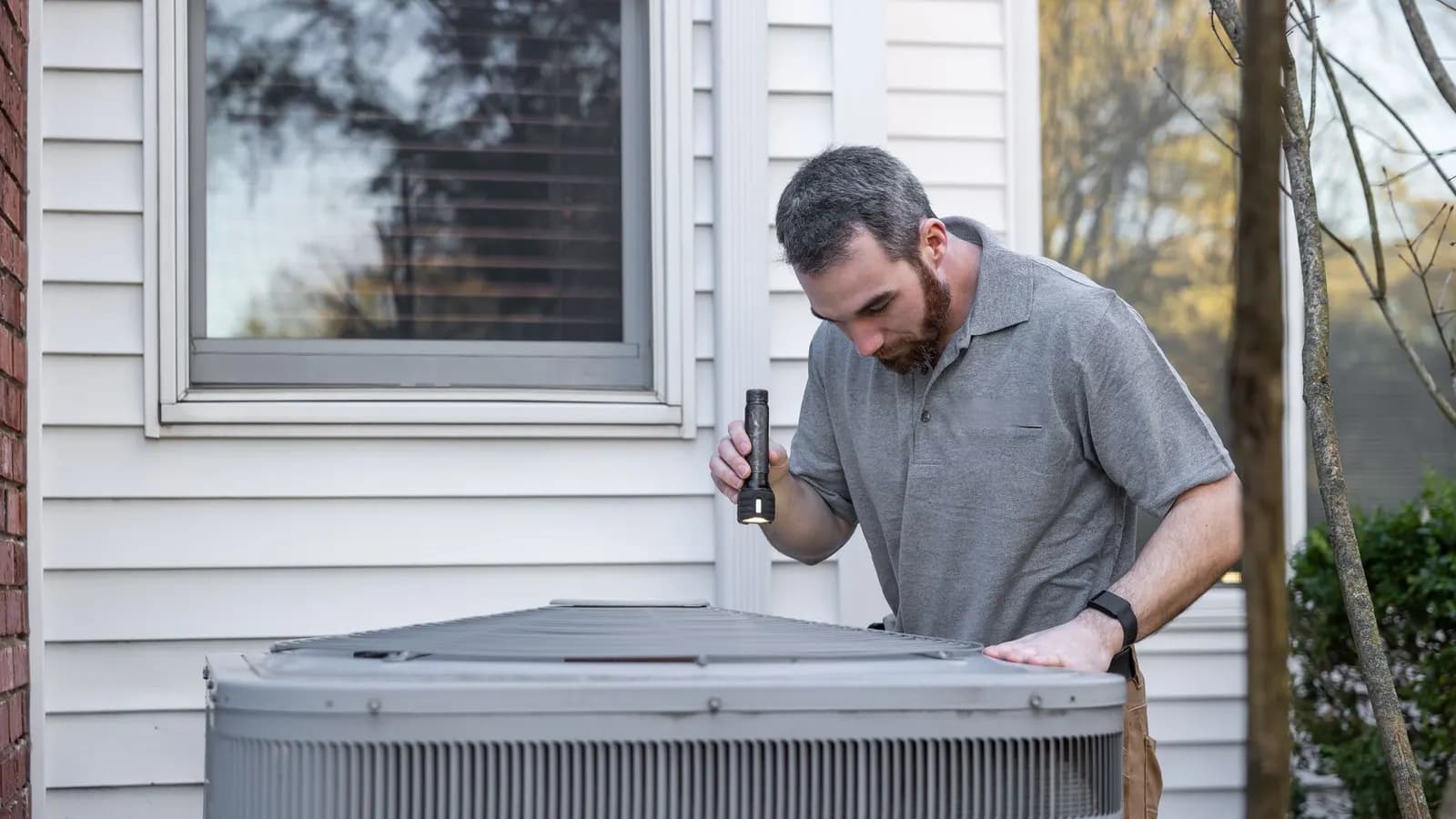
How does inspection report automation work?
It turns what technicians record on site into a draft report, and nothing goes to the customer until that draft is approved. In the field, a well-built system does three things:
- Reuses known details. Customer, location and job information comes from the scheduled job, so technicians are not retyping it.
- Requires what the reviewer needs. Required fields stop a draft from being submitted with gaps.
- Keeps evidence attached. Photos and results stay with the report they belong to.
How should you design field inspection forms?
Design each form around the inspection type, because different types may require different observations, measurements, equipment details and attachments. Two rules keep forms practical:
- Use conditional sections, not one oversized form. A section appears only when it applies, so technicians never scroll past questions meant for another type of inspection.
- Let qualified technical staff set the requirements. They decide what each inspection type must record. The software only enforces their decisions.
Get those requirements in writing before anyone builds the forms, whether that is your own team or an outside process automation partner.
Try this yourself
Audit one inspection form, field by field
Take the form for your most common inspection type, on paper or on screen, and ask four questions about every field:
Who uses it?
The reviewer, the customer, billing or nobody.
Must it always be filled in?
Yes or no.
Does it need a photo?
Yes or no.
Does it apply to every inspection type?
If not, note which types.
Then act on the answers:
- A field nobody uses is a candidate to remove.
- A field used by only some inspection types belongs in a conditional section.
- A field that needs a photo should ask for it right there, in the same section.
- A required field that reviewers often find empty should block submission until it is filled in.
Before you change anything, review the results with whoever is qualified to sign off that inspection. Some fields may be required for reasons the form does not show.
How do photos and results stay with the right job?
Link each photo and result to its job and report section at the moment it is captured. Matching photos to reports later, from memory, invites mistakes.
Every entry should carry:
- The job it belongs to.
- The report section, such as the item or area inspected.
- Who entered it, and when.
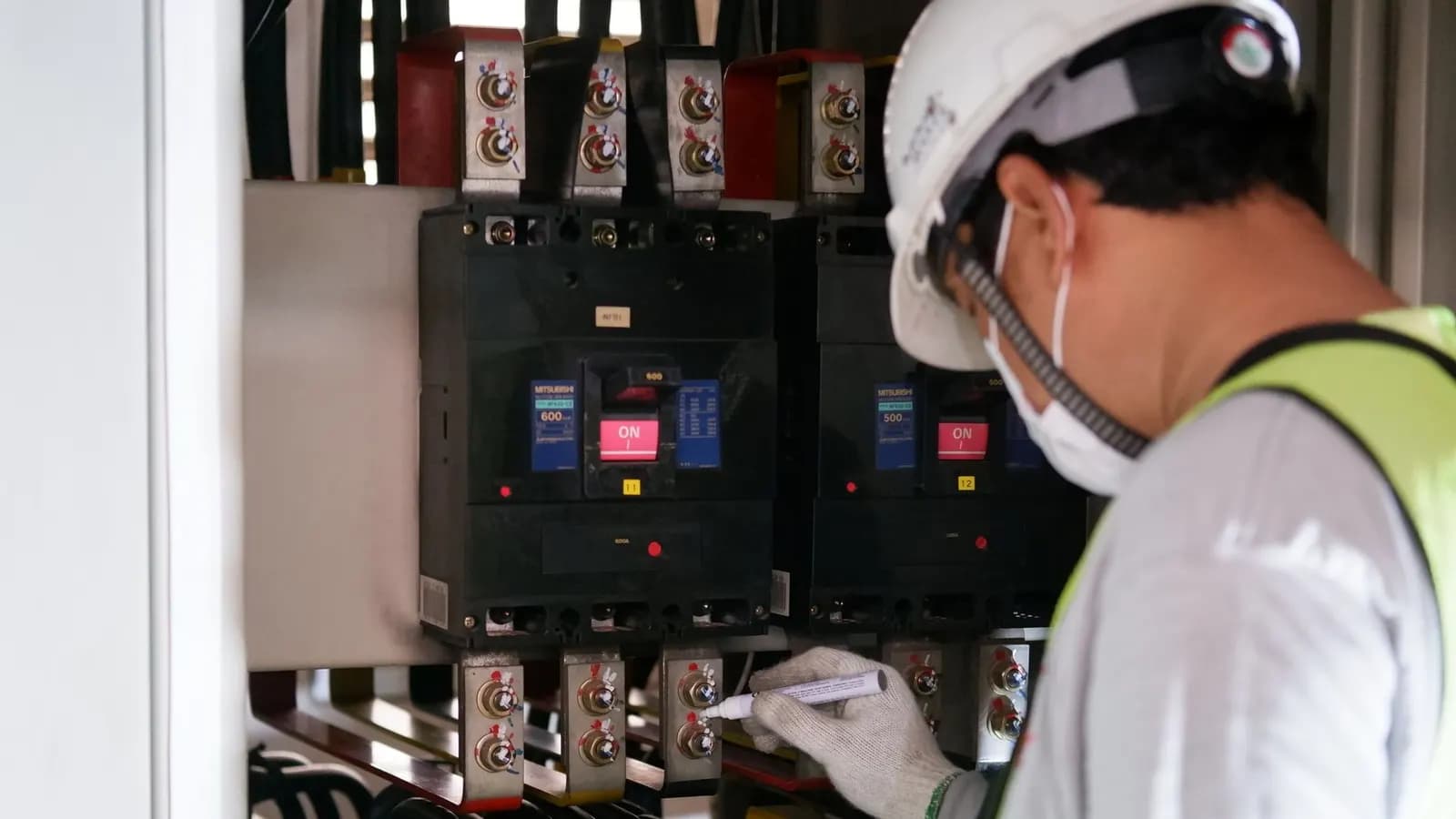
If technicians work where the signal drops, define the offline requirements before anything is built: how they capture data without a connection, and how it syncs when the connection returns.
How should inspection reports be reviewed and approved?
Use one review path for every report, with a supervisor's approval as the gate and every version kept on record. For example, the workflow could run like this:
- 1Scheduled job
- 2Technician form
- 3Submitted draft
- 4Supervisor review
- 5Corrected report
- 6Approved and issued
- 7Customer delivery
- 8Billing handoff
Four rules keep revisions under control:
Save every submission as a new version.
A correction never overwrites the draft it fixes.
Return drafts with a reason.
The technician sees exactly what to correct.
Mark one version as issued.
Rejected drafts and revision history stay clearly separate from the report the customer receives.
Start billing from the issued report.
A draft may still change, so it should never trigger an invoice.
Assembling the report and routing it for sign-off is what document generation and approval workflows are built for. Once a report is approved, billing comes next: see how to connect field service jobs to QuickBooks without retyping.
What should automation never decide on its own?
Automation should never invent an observation or make a technical acceptance decision that requires a qualified person. It can assemble the document and flag missing values. The findings and the sign-off stay with people.
Important to know: a polished report can still be wrong
A report is useful only when the information under it is accurate. If software quietly fills a gap, the report can look complete and still be wrong. Send every missing value back to a person to resolve.
AI tools fall under the same rule. For where AI does help with office work, and where it does not, read practical ways AI can reduce administrative work.
To connect inspections to the rest of the job, from first request to payment, see building one workflow from customer intake to invoice.