OpenCollar Technologies logo

Practical guides to business software and automation

Plain answers on what to automate, what custom software costs and how to choose the right partner.

Featured article

Person using a calculator at a wooden desk with a laptop, a spiral notepad and a coffee mug

Buying Guides

How Much Does Custom Business Software Cost in 2026?

Custom business software cost depends on the workflow, integrations, data quality and reliability the system needs, so there is no standard price. To get a useful figure, price a first release that completes one process, and add hosting, subscriptions and support to the budget.

5 min read

Latest articles

29 articles

  • Two people review a printed form while a woman across the table holds an open folder of papers

    Buying Guides

    How to Compare Custom Software Companies for a Small Business

    There is no single best custom software company for small business owners in the US. The right one shows a good fit for your workflow, budget and support needs. Give each provider the same sample record, then compare their questions, a demo of one complete task, written scope, ownership, testing and support.

    5 min read

  • Man in a red beanie walks a colleague in an orange sweater through something on a laptop

    Buying Guides

    Finding a Software Development Partner You Can Work With Long Term

    A reliable software development partner keeps progress, responsibilities and risks visible at every stage. To find one, start with a small, clearly scoped project if you can, and judge how it runs: working demos, written acceptance criteria, changes priced before work starts, and agreed access to your code and data.

    5 min read
  • Man in a navy blazer holds a tablet and gestures as a colleague in a gray suit listens

    Custom Software

    Should You Build a Custom CRM Instead of Using Salesforce?

    Yes, you can build a custom CRM, but it makes sense mainly when your business needs a focused customer workflow that standard products handle poorly. First list the features your team actually uses, compare building with configuring Salesforce or another CRM, and budget for running the system after launch.

    4 min read
  • Man in a mustard T-shirt frowning slightly as he reads printed pages beside an open laptop

    Automation

    Practical Ways AI Can Reduce Administrative Work

    AI administrative automation can reduce admin work where the input varies: extracting fields from purchase orders, sorting incoming requests, summarizing notes and drafting replies. Its value depends on outputs reaching your real workflow, checked by software rules and reviewed by a person where mistakes matter.

    5 min read
  • Two colleagues discuss colorful sticky notes arranged on a dark wall board in a bright office.

    Custom Software

    Can Software Be Built Around the Way Your Business Works?

    Yes. Custom business workflow software can be built around your own forms, roles, approval rules and job steps. It is most useful when standard products force essential work into email or side spreadsheets. Start by tracing one finished job backward, then write your key rules as examples anyone can test.

    5 min read
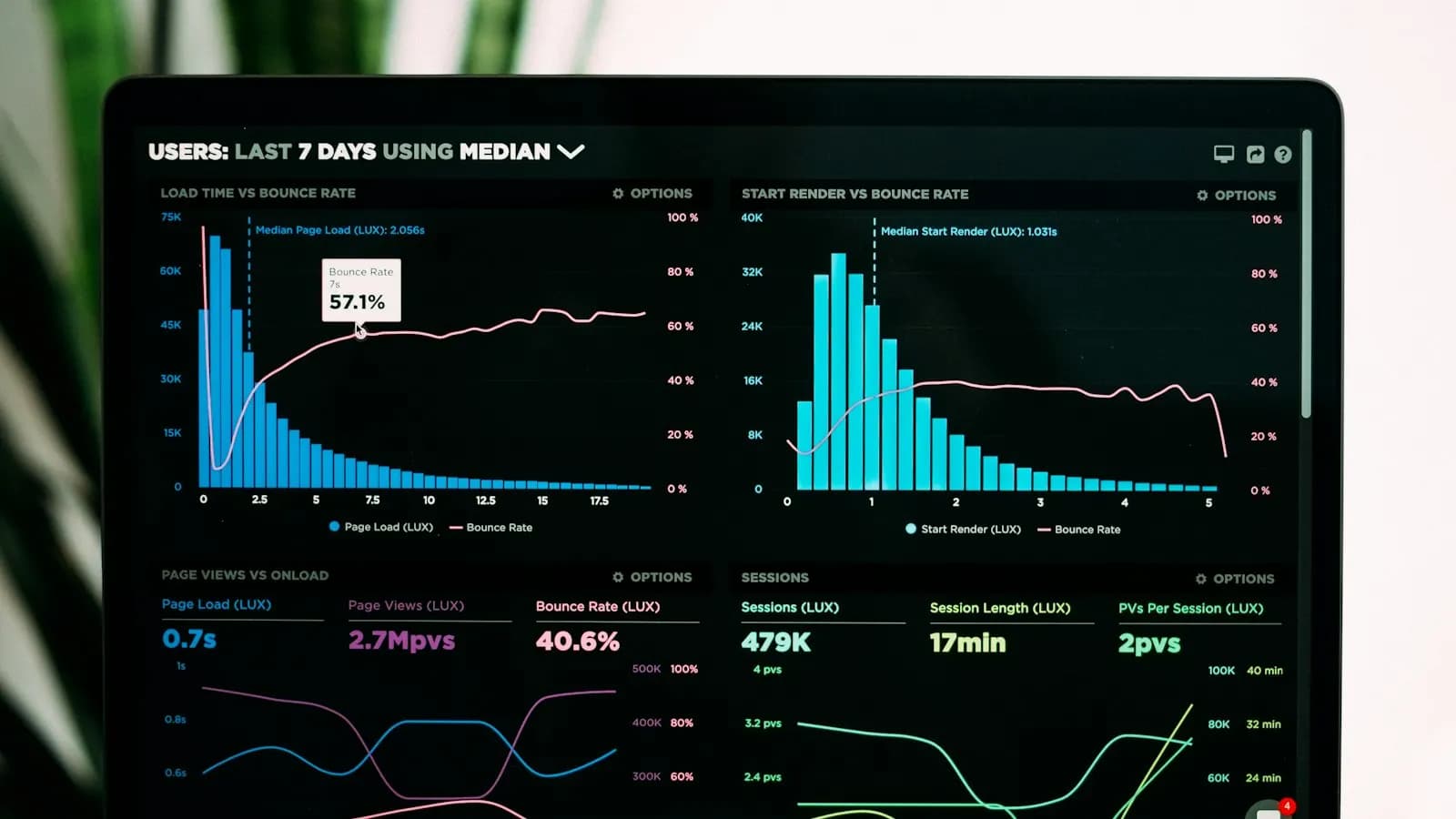
  • A man in a dark suit points at bar charts and tables on a large wall-mounted screen.

    Integrations

    How to Build a Dashboard From Disconnected Business Systems

    To build a business systems integration dashboard, start with the questions managers need answered, define each metric in writing, match customer and job IDs across your CRM, job system and accounting, and show when every number was last refreshed. A combined number is only as reliable as the records behind it.

    4 min read
  • An advisor in a pinstripe suit reviews documents with an older couple across a white table.

    Industry Insights

    How to Choose a CRM for a Small Insurance Agency

    The best CRM for small insurance agency teams is the one that helps staff manage inquiries, quote follow-ups and customer relationships, and fits the policy and document systems you already use. Start with the work that slips through today, then test each product on your own everyday exceptions.

    5 min read
  • A forklift operator loads a shrink-wrapped pallet into an open freight trailer parked outdoors.

    Automation

    Automating Logistics Dispatch and Shipment Updates

    Logistics dispatch automation connects load intake, assignments, status updates and delivery documents in one shipment record, so dispatchers retype less and focus on exceptions. Tracking can be automated only when a real location source, such as an authorized telematics integration or a driver app, supplies the data.

    5 min read
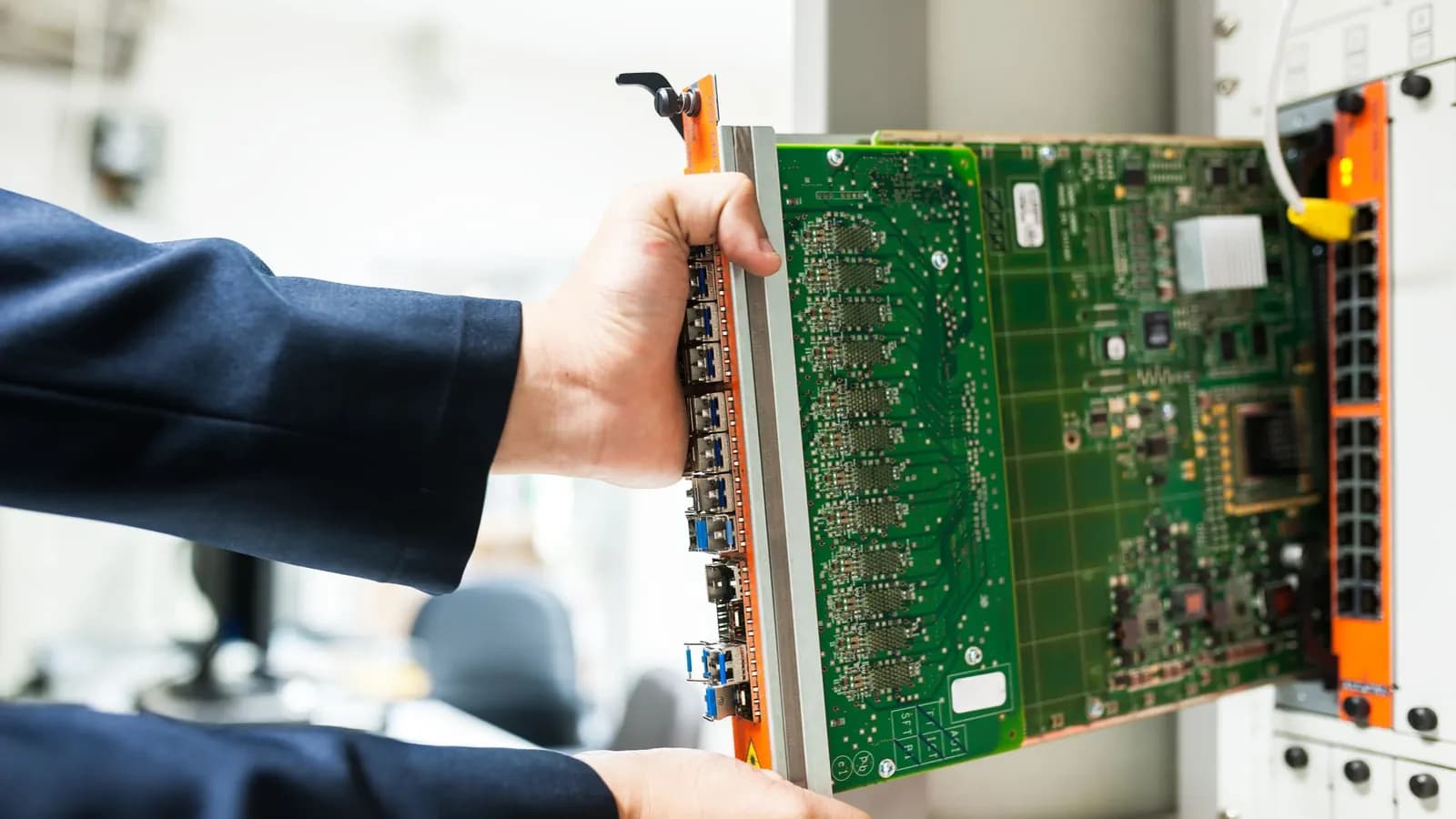
  • Hands in navy sleeves sliding a green circuit board into a network switch chassis in an equipment room

    Custom Software

    How to Modernize Outdated Business Software in Stages

    To modernize outdated business software, choose a team that assesses before it rewrites. Legacy software modernization done well inventories the system, records what critical tasks produce today, keeps the business rules that work, and upgrades the riskiest parts in stages, each tested and released with a way back.

    5 min read
  • Coworkers gathered around a wooden table, reviewing a notebook, a binder of diagrams and a color-coded printout together

    Automation

    How to Automate Your Business When Your Team Is Already Busy

    Small business workflow automation can free up time without new hires if you start small. Pick one frequent, rule-based task, such as customer intake, quote follow-ups, appointment reminders or invoice preparation. Automate it end to end, keep judgment calls with your staff, and measure the time it saves.

    5 min read
  • Downtown Dallas skyline from the air, with Bank of America Plaza, Fountain Place and the Old Red Museum turrets

    Buying Guides

    Finding a Custom Software Developer for Your Dallas Business

    Both local and remote firms can provide the custom software development Dallas and Texas businesses need. Choose the firm that proves it can handle a sample record of your own, states who builds the software and where, and stays affordable once setup, migration, integrations and support are counted.

    5 min read
  • Two women talking over a laptop at a table, with stacked cardboard boxes and a clothing rack behind them

    Buying Guides

    SaaS or Custom Software: Which Makes Sense for Your Business?

    Buy SaaS when it covers your important work with acceptable compromises, and consider building when persistent gaps justify the investment. Judge SaaS vs custom software on workflow fit and total cost over the same period, not the monthly fee. Or go hybrid: standard tools plus one custom workflow.

    4 min read
  • Hands typing on a keyboard at an office workstation beside a clipboard holding a printed table of figures

    Integrations

    Eliminating Duplicate Data Entry Across Your Business Systems

    To eliminate duplicate data entry between Excel, your CRM and accounting, give each record type one owning system, link the copies with a shared ID, and send approved information from the owner to the others instead of retyping it. Connecting tools without clear ownership can spread duplicates faster.

    5 min read
  • Bearded worker in a black hoodie leaning over a gray metal frame in a workshop to check it closely

    Industry Insights

    What Software Does a Small Manufacturing Business Actually Need?

    No single small manufacturing business software is best for every shop. The right choice connects the information your team needs to quote, release, produce and complete a job, and fits how you work: repeat products, build to order or custom fabrication. Test every option on your own orders.

    5 min read
  • Office worker on a corded desk phone, reaching toward her computer, with a colleague at another desk behind her

    Automation

    Building One Workflow From Customer Intake to Invoice

    Customer intake to invoice automation carries one shared customer and job record from the first request through quoting, approval, scheduling and invoicing. Give each stage an owner and a written rule for moving on, then automate one handoff at a time, starting where jobs wait the longest.

    5 min read
  • Two engineers in hard hats reviewing a large blueprint on a construction site with steel scaffolding behind them

    Industry Insights

    Connecting Construction Estimates to Job Scheduling

    Construction estimating and scheduling software is most useful when each approved estimate automatically becomes the job's starting point. Reuse its quantities, labor allowances and scope in planning, and link every change to the job, so office and field teams are less likely to work from different assumptions.

    4 min read
  • Engineer in a hard hat and safety glasses holding a tablet inside a large factory hall

    Automation

    Automating Inspection Reports From Field Work to Approval

    Inspection report automation starts with structured field forms that reuse customer, location and job details and require what the reviewer needs. Each photo and result is tied to its job as it is captured, and every report passes review and approval before it reaches the customer or billing.

    4 min read
  • Technician holding a flashlight while inspecting an outdoor air conditioning unit beside a house

    Integrations

    Connecting Field Service Jobs to QuickBooks Without Retyping

    QuickBooks integration for field service should turn approved jobs into invoices with no retyping. Confirm whether you run QuickBooks Online or Desktop, define when a job is ready to bill, map invoice fields with your bookkeeper, and link each job to its invoice so failed syncs can be retried safely.

    5 min read
  • Overhead view of hands typing on a laptop beside a calculator, a pen and stacked office folders

    Custom Software

    How to Replace Excel With Software Without Losing Your Workflow

    Replace Excel with custom software when version conflicts, repeated typing and missing controls start costing your team time. Keep the rules your spreadsheets already hold, move shared data into one database, and run both side by side until the results match.

    4 min read
  • 3D render of large blue letters spelling AI on a hexagon-patterned floor, tangled in dark wires

    AI & ML

    The Future of AI in Enterprise Software Development

    Explore how artificial intelligence is reshaping enterprise application development, from intelligent code generation to predictive analytics pipelines that transform business operations.

    2 min read

Get new guides by email

An occasional email when a new article is published. No spam, and you can unsubscribe at any time.